

Just what I needed
"The Customer Service was great and helping me find this part. It fit well and my mixer is back running like it should be. I really help."
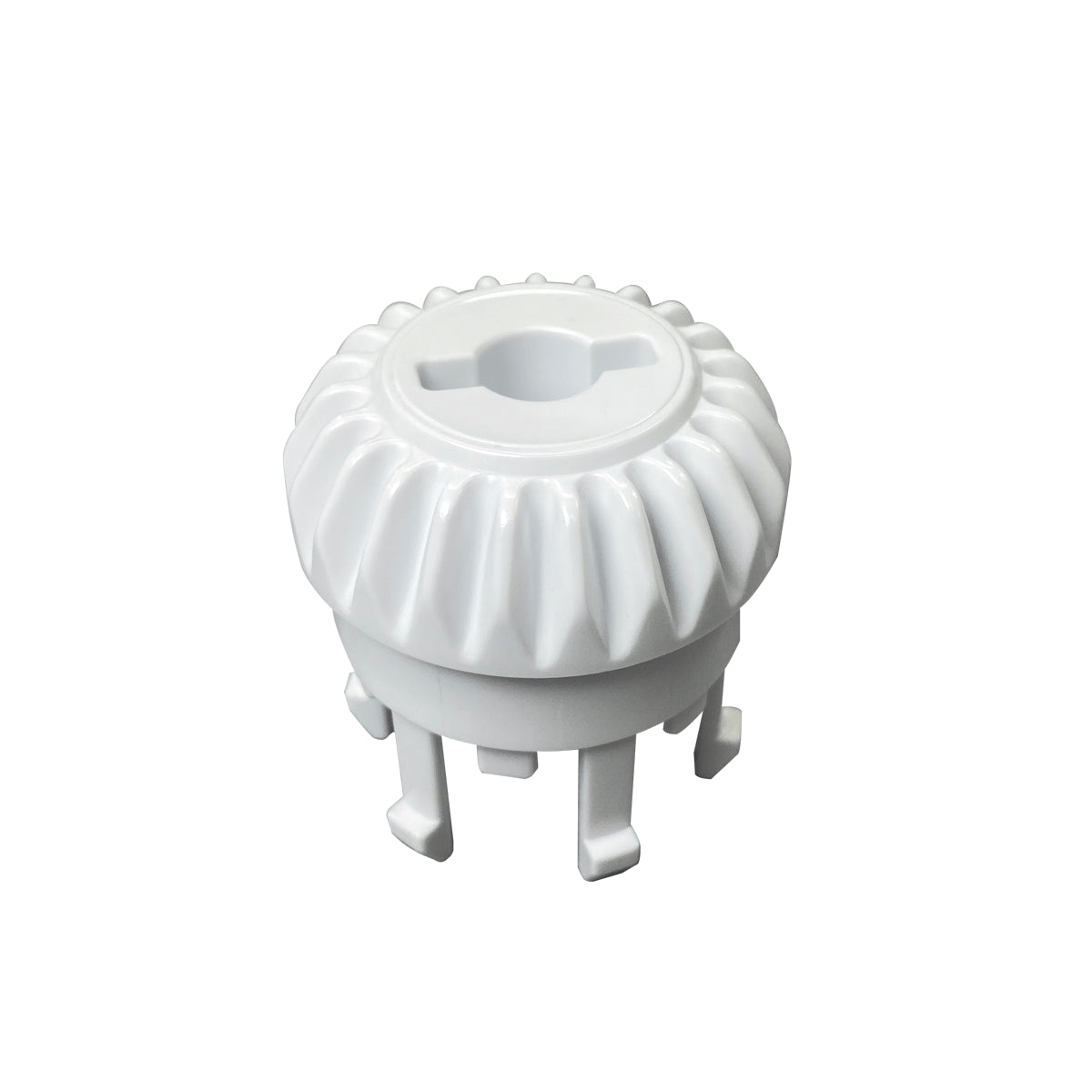
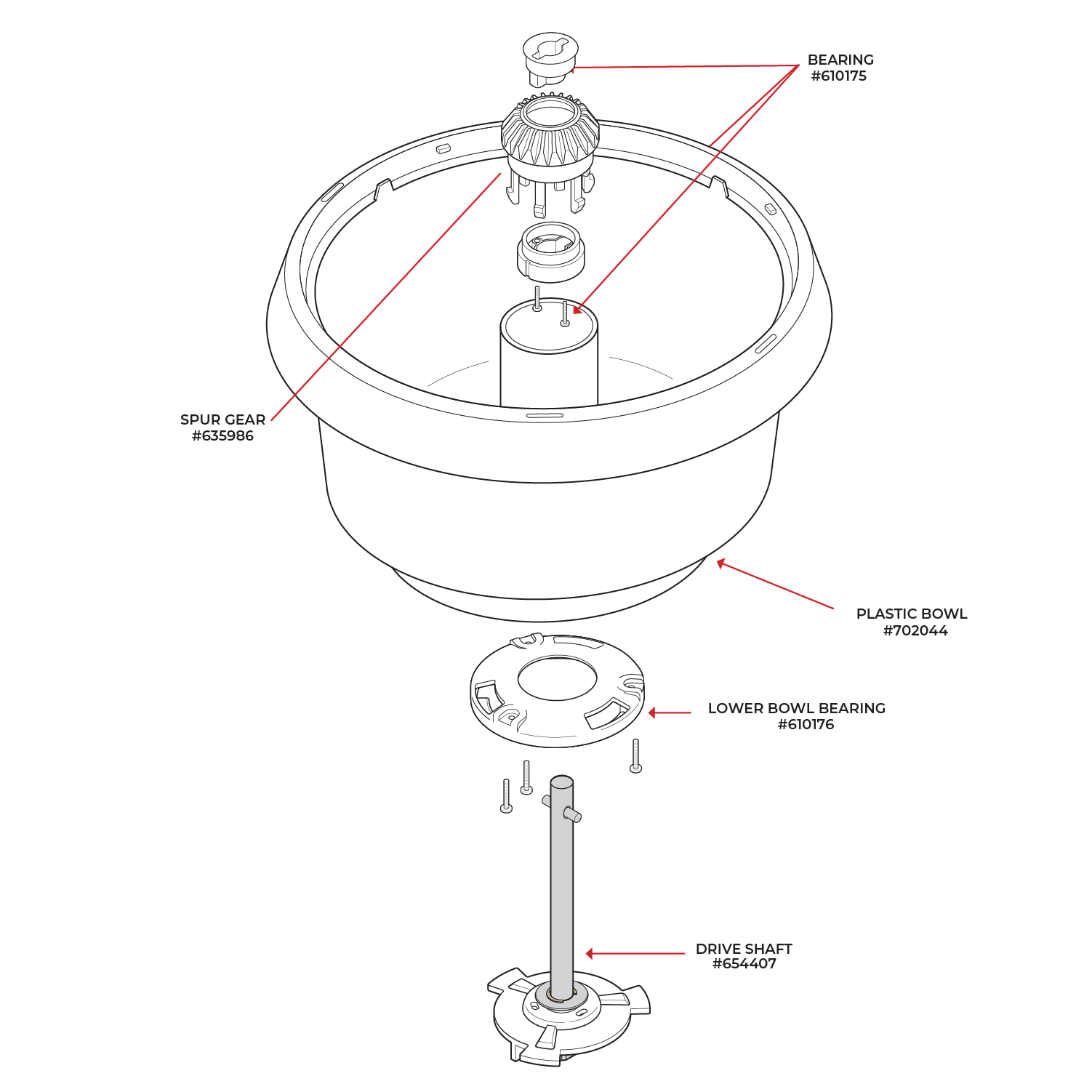
Fits Bosch Universal Plus Mixer
Replacement spur gear with bearing for the white Bosch Universal Plus mixer bowl.
Good to Know
1 Year Warranty
Overall rating: 5.0 / 5 from 6 reviews.
Review topics: [].
"The Customer Service was great and helping me find this part. It fit well and my mixer is back running like it should be. I really help."
"One of a kind! Bosch is best!"
"5 Star"
"love nutrimill"
"Easy to replace and works great again after a broken dough hook ruined the other one."
"I didn't realize how worn my old one was!"